
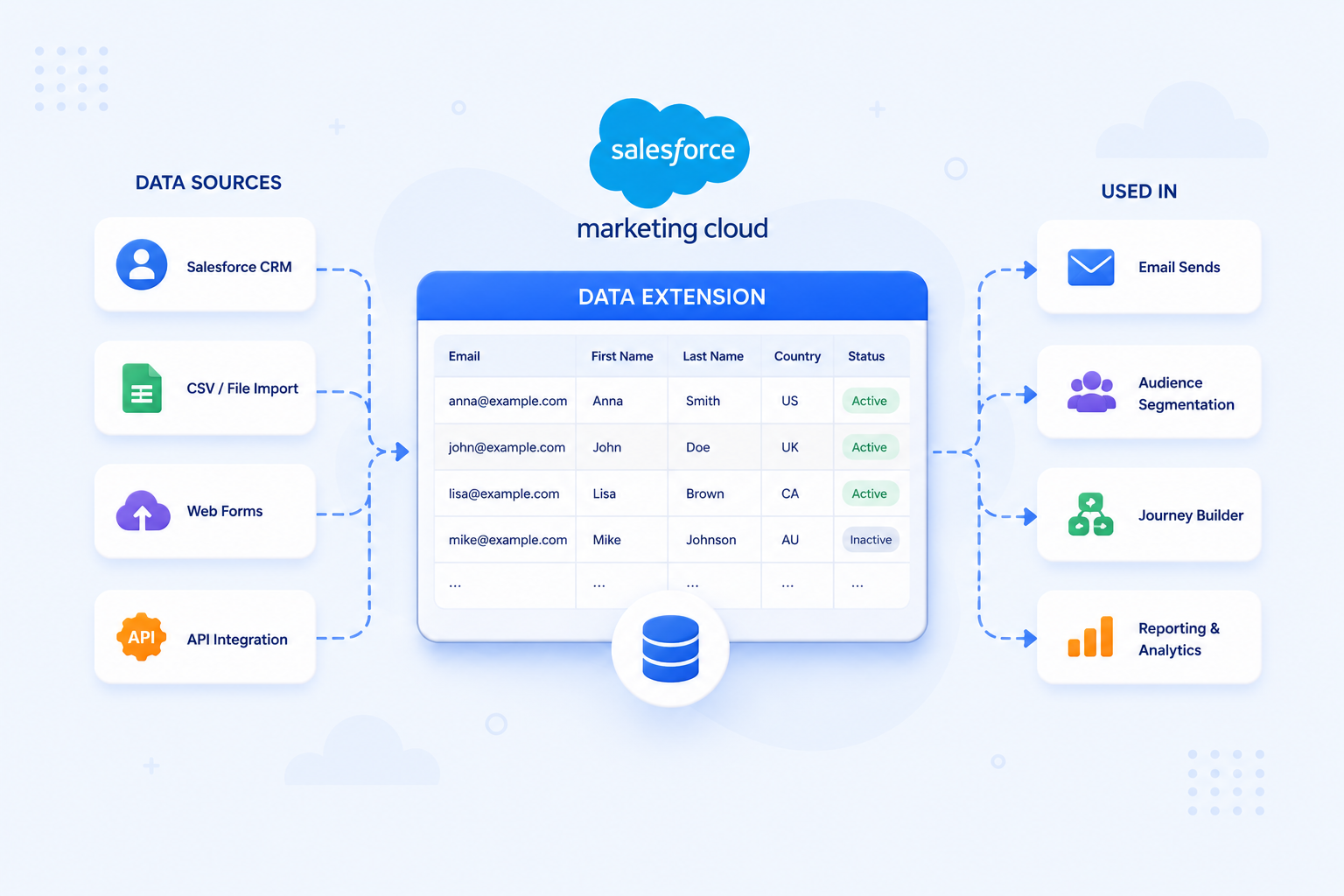
A data extension in Salesforce Marketing Cloud (SFMC) is a table for storing subscriber data, campaign data, or other structured information your marketing operations depend on. Unlike a basic list, a data extension has a fully customisable schema. You define the fields, the data types, and the relationships. That flexibility is what makes data extensions the foundation of almost everything in SFMC: segmentation, personalisation, journey entry, and automation.
If you are new to SFMC or migrating from another platform, data extensions are one of the first things to get right. Decisions at this stage affect how your entire data model performs later.
How Data Extensions Differ from Lists
SFMC supports two ways to store subscriber data: lists and data extensions. For most enterprise implementations, data extensions are the right choice, but it helps to understand why.
Lists are simple, fixed-schema subscriber stores. They are easy to set up and work for basic use cases, but they offer limited flexibility. You cannot customise the fields, relate them to other data, or use them effectively for complex segmentation or personalisation.
Data extensions have a custom schema. You define exactly which fields to include and what data types they use. You also control how they relate to other data extensions or Contact Builder* attribute groups. This makes them suitable for everything from simple subscriber lists to complex relational data structures supporting multi-channel journeys.
Salesforce has not deprecated lists, but their limitations are significant. Lists cap at 500,000 subscribers and do not support relational data structures. For any implementation that exceeds basic scale or requires complex segmentation, data extensions are the only viable option. Data extensions are the standard for all new SFMC implementations.
What Data Extensions Are Used For
Data extensions serve multiple functions across SFMC:
- Subscriber and contact storage: the primary store for email addresses, phone numbers, and contact attributes used in sends
- Segmentation: filtered and queried data extensions define the audiences for campaigns and journeys
- Personalisation: AMPscript* and dynamic content blocks pull values from data extensions to personalise email and landing page content at the individual level
- Journey Builder entry:* data extensions are one of the main entry sources for Journey Builder, injecting contacts into automated journeys on a defined schedule
- Transactional and behavioural data: data extensions store purchase history, event logs, loyalty points, and other relational data that feeds segmentation and personalisation logic
- Lookup tables: non-sendable data extensions act as reference tables, storing values that AMPscript looks up at send time to populate dynamic content
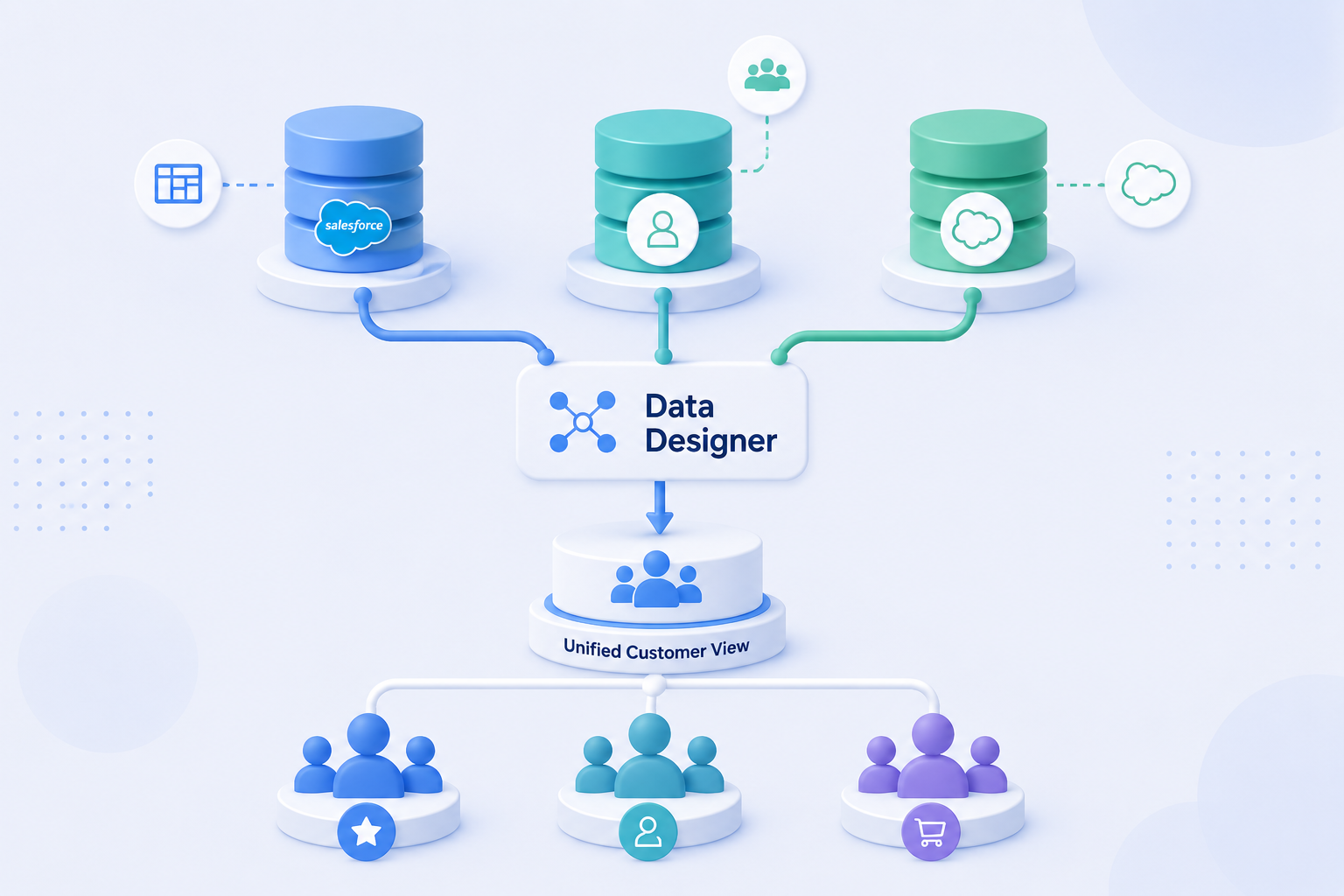
Note: from 2024 onwards, SFMC’s native integration with Salesforce Data Cloud* lets Journey Builder activate real-time audiences directly, without a manual data extension import. For implementations using Data Cloud, some traditional data extension use cases for segmentation are shifting toward Data Cloud segments. Data extensions remain the core data structure for most SFMC implementations not yet on Data Cloud.
Salesforce Marketing Cloud Data Extension Types
SFMC has three data extension types. Each serves a different purpose.
Standard Data Extension
The most common type. You define the schema manually: field names, data types, primary key, and whether the extension is sendable. You create standard data extensions directly in Contact Builder or Email Studio. They can hold any structured data your implementation requires.
Most data extensions in a typical SFMC implementation are standard. Subscriber tables, transaction logs, product catalogues, and preference stores all use this type.
Filtered Data Extension
A filtered data extension is a subset of an existing data extension, generated by applying filter criteria. Rather than writing SQL, you use a point-and-click filter interface to define the conditions. The resulting filtered extension updates automatically when the filter is run.
Filtered data extensions work well for simple segmentation. For complex logic with multiple conditions, table joins, or calculated fields, use SQL Query Activity in Automation Studio* instead.
Random Data Extension
A random data extension splits a source data extension into randomised groups. Use it for A/B or multivariate testing, where you need statistically equivalent audience segments. Each group receives different content or subject lines before you compare results.
For a detailed breakdown of all three types and when to use each, see Salesforce Marketing Cloud Data Extension Types. (Salesforce Help)
Sendable vs Non-Sendable Data Extensions
Every data extension is either sendable or non-sendable. This distinction affects how you can use it.
Sendable Data Extensions
Sendable data extensions link to the SFMC contact model via a send relationship. This relationship maps a field in the data extension (typically an email address or subscriber key) to the All Subscribers list. SFMC requires this mapping before it can use the data extension as the audience for an email or SMS send. Journey Builder entry sources and Email Studio sends both require a sendable data extension.
Non-Sendable Data Extensions
Non-sendable data extensions store data but do not link to the contact model for sending purposes. Non-sendable extensions serve as lookup tables, relational data stores, or intermediate tables in Automation Studio SQL workflows. A product catalogue, a loyalty tier table, or an event log would typically be non-sendable.
Key Fields and Data Types
When creating a data extension, you define each field’s name and data type. Choosing the correct data type matters for performance, AMPscript logic, and data integrity.
Common data types in SFMC:
- Text: stores alphanumeric strings; most flexible but least efficient for large volumes
- Number: stores integers; use for counts, IDs, or numeric attributes
- Decimal: stores numbers with decimal places; use for currency or calculated scores
- Date: stores date values; critical for date-based personalisation and journey triggers
- Boolean: stores true/false values; useful for preference flags and consent indicators
- EmailAddress: validates that the stored value is a properly formatted email address
- Phone: stores phone numbers; required field type for SMS sends via Mobile Studio*
Choosing the wrong data type (for example, storing a date as Text) creates problems downstream in AMPscript date functions, SQL queries, and journey date-based splits.
What to Consider Before Building a Data Extension
Data extension schema is hard to restructure after active sends or journeys have used it. Getting the design right before you build saves significant rework later.
Key considerations:
- Define the schema before creating: map out every field, its data type, whether it is nullable, and whether it forms part of the primary key
- Set the right primary key: the primary key must uniquely identify each record; a poorly chosen primary key causes duplicate records and send issues
- Decide on sendability upfront: if the data extension will ever be used as a send audience or journey entry source, configure the send relationship at creation
- Apply a data retention policy: SFMC data extensions can grow large; define how long records should be retained to avoid unnecessary storage costs and compliance risk
- Use a consistent naming convention: data extensions accumulate quickly across an implementation; a clear naming convention (for example, prefixing by function:
SUB_,TXN_,LKP_) makes them manageable at scale - Understand the relationship with Contact Builder: sendable data extensions need to be linked into the contact model; plan this relationship before building, not after
Going Deeper
- Salesforce Marketing Cloud Data Extension Types: Standard, Filtered, and Random
- Contact Builder vs Data Extensions: Understanding the Relationship
- How to Use SQL in Salesforce Marketing Cloud Automation Studio
- What Is Salesforce Marketing Cloud?
Not sure how to structure your data model for your SFMC implementation? Talk to our team.
Glossary
AMPscript: Salesforce Marketing Cloud’s proprietary scripting language, used to personalise email and landing page content at the individual level by pulling values from data extensions or system attributes.
Data Cloud: Salesforce’s customer data platform (CDP), which unifies data from multiple sources into a single customer profile. From 2024 onwards, Data Cloud integrates natively with SFMC, allowing real-time audience segments to be activated into Journey Builder without manual data extension imports.
Automation Studio: a workflow tool in SFMC used to schedule and sequence backend data activities, including SQL queries, file transfers, and data imports. It works alongside Journey Builder to prepare and process data before journeys act on it.
Contact Builder: the SFMC tool used to define and manage the platform’s contact data model, including contact relationships, attribute groups, and linked data extensions. You must link sendable data extensions into Contact Builder before using them in sends.
Data retention policy: a setting on a data extension that defines how long records are kept before being automatically deleted. Options include keeping records for a defined number of days, or retaining all records indefinitely.
Journey Builder: the customer journey orchestration tool in SFMC. Data extensions are one of the primary entry sources for Journey Builder journeys, injecting contacts into automated sequences on a schedule.
Mobile Studio: the SFMC component used to manage SMS and push notification sends. Sendable data extensions used for SMS sends require a Phone field with the correct data type.
Send relationship: the configuration that links a sendable data extension to the SFMC contact model, mapping a field in the data extension to the All Subscribers list. You need this before using a data extension as a send audience.
Subscriber key: a unique identifier SFMC uses to identify individual contacts across the platform. The subscriber key field in a sendable data extension must match the value in the All Subscribers list.