
Send too often and subscribers disengage, unsubscribe, or mark emails as spam. Send too infrequently and they forget who you are. Neither outcome is good for deliverability, and neither is good for revenue.
Frequency is one of the most overlooked variables in email marketing. In Salesforce Marketing Cloud (SFMC), it is also one of the more complex ones to manage well. Unlike some platforms, SFMC does not have a single native frequency cap setting. Managing frequency requires a combination of data strategy, automation logic, and where available, AI-powered tooling.
This guide covers how to approach frequency strategy in SFMC, what tools are available, and how to build frequency controls that actually work in production.
Why Frequency Matters More Than Most Teams Think
Frequency affects three things directly:
- Sender reputation: ISPs monitor engagement signals. Consistently sending to contacts who do not open or click, or who mark emails as spam, damages your sending IP and domain reputation over time
- List health: over-sending accelerates list fatigue; contacts who unsubscribe or go dormant are harder and more expensive to reactivate than contacts who are managed well from the start
- Revenue: the relationship between frequency and revenue is not linear; the optimal sending frequency for your audience is the one that maximises engagement without accelerating churn
The right frequency is not a number. It is a strategy that varies by audience segment, channel, content type, and business context.
How to Determine the Right Frequency
Start with data, not intuition. The metrics to track:
- Unsubscribe rate per send: a rising trend is an early signal of over-sending, not a confirmation of it
- Spam complaint rate: even a small increase (above 0.1% per send) signals a frequency or relevance problem that needs addressing before it affects deliverability
- Open and click rate trends: declining engagement over time, controlling for list growth, often indicates frequency saturation
- Revenue per email sent: a useful counter-metric to unsubscribe rate; optimising for engagement alone can lead to under-sending
No universal benchmark applies to all senders. B2C retail can often sustain higher frequency than B2B or financial services. Transactional and lifecycle emails are generally tolerated at higher frequency than promotional campaigns. Test, measure, and adjust rather than adopting an industry average as a target.
SFMC Tools for Managing Frequency
Einstein Engagement Frequency
Einstein Engagement Frequency evaluates each contact’s engagement record to help you avoid too few messages or burnout from too many. It classifies contacts into four categories based on whether they are receiving too many emails, approaching saturation, at an ideal frequency, or under-engaged.
These classifications can feed Journey Builder decision splits, suppression logic, and re-engagement workflows. (Salesforce Help)
Important: Einstein Engagement Frequency is part of Marketing Cloud Advanced Edition (Marketing Cloud Next). It is not available in all SFMC accounts. If your account does not include the Advanced Edition, frequency management needs to be handled via SQL-based logic in Automation Studio.
SQL-Based Frequency Caps
For accounts without Einstein Engagement Frequency, or for teams that need more precise control than AI classification provides, a SQL-based frequency cap is the standard approach.
The pattern works as follows:
- A scheduled SQL Query Activity* queries the
_SentData View* to count how many emails each subscriber has received in a rolling time window (for example, the past 7 days) - The results are written to a suppression data extension*
- The suppression data extension is applied at send time via Auto-Suppression Configuration in Admin, or referenced in Journey Builder as an exclusion
The frequency cap logic and threshold is set in the SQL query itself. A scheduled automation runs daily to refresh the suppression list based on the rolling window.
Example query pattern:
SELECT
    s.SubscriberKey
FROM _Sent s
WHERE s.EventDate >= DATEADD(DAY, -7, GETDATE())
GROUP BY s.SubscriberKey
HAVING COUNT(s.JobID) >= 3
This returns contacts who have received 3 or more emails in the past 7 days. The output feeds a suppression data extension that is applied before each send.
Journey Builder Frequency Controls
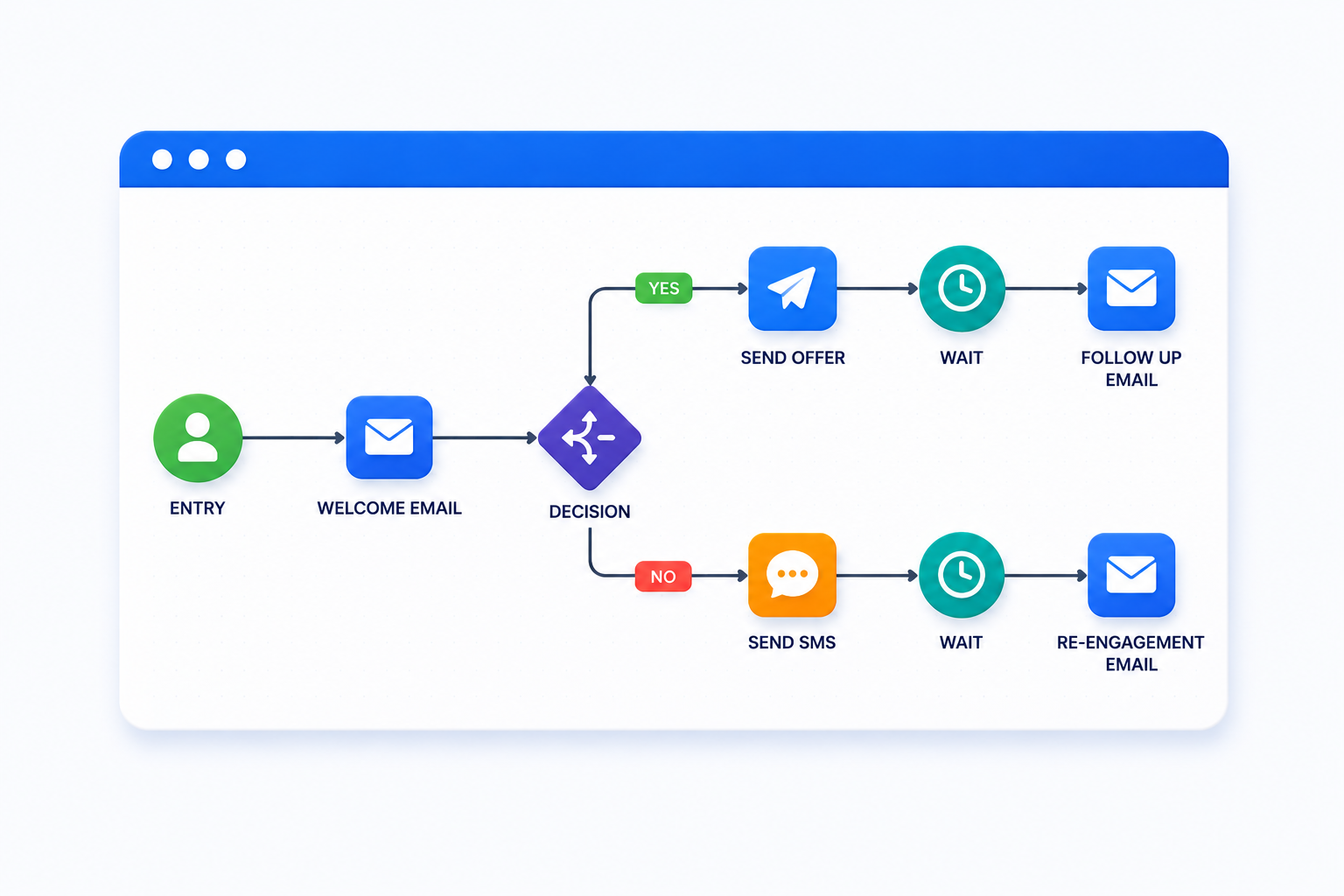
Within Journey Builder*, frequency can be managed at the journey level using Wait Activities and decision splits. A contact re-entering a journey can be routed through a decision split that checks their recent send history (stored in a data extension refreshed by Automation Studio*) and either continues them through the journey or holds them in a wait state until they are eligible.
This approach works well for managing frequency within a single journey context. For cross-journey frequency management, the SQL suppression approach is more reliable, as Journey Builder does not have native visibility into sends happening outside its own canvas.
Preference Centre
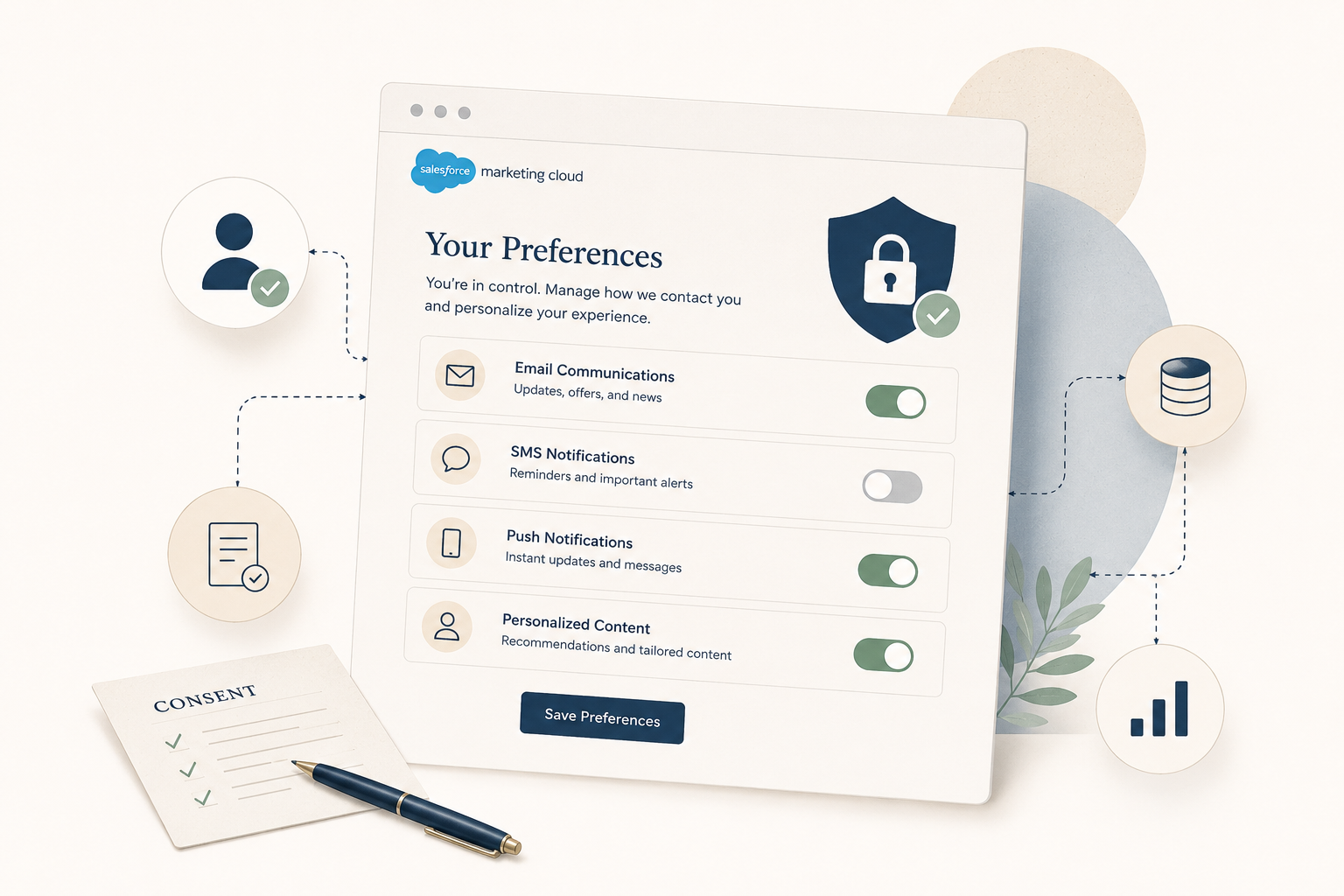
A preference centre built via Web Studio* allows subscribers to self-select their preferred send frequency: weekly, fortnightly, or monthly. Preferences are stored in a data extension and referenced in segmentation logic to exclude contacts from sends that fall outside their selected cadence.
Preference centres reduce unsubscribes by giving subscribers control rather than requiring them to opt out entirely. They also produce more reliable frequency data than engagement-based inference alone.
Frequency by Audience Segment
Not all subscribers warrant the same cadence. A useful starting framework:
- New subscribers (0 to 30 days): higher frequency is generally tolerated during the onboarding window when brand recall is being established; taper down after the initial sequence completes
- Actively engaged subscribers: maintain a consistent cadence based on engagement data; these contacts have indicated they want to hear from you
- Disengaging subscribers (declining open rate): reduce frequency and increase relevance; sending more to this segment accelerates churn
- Inactive subscribers (no engagement in 90 or more days): apply a reduced frequency or sunset policy* before attempting reactivation; continued sends at full frequency damage sender reputation
Segmenting by engagement level using Data Views* and SQL Query Activity is the reliable way to apply different frequency rules to each group in SFMC.
Monitoring Frequency Health
Frequency strategy is not a set-and-forget exercise. Set up regular monitoring:
- Track unsubscribe rate per journey and per send: aggregate account-level data hides journey-level problems; granular tracking surfaces them early
- Monitor spam complaint rate weekly: anything above 0.08 to 0.1% per send warrants immediate investigation before the next scheduled send
- Query _Sent Data View for per-subscriber send counts: run a regular report showing the distribution of emails sent per subscriber per month; outliers (contacts receiving significantly more than average) often indicate a multi-journey overlap problem
- Set up Automation Studio failure notifications: if the SQL job that refreshes your frequency suppression list fails silently, contacts who should be suppressed will receive sends they should not (Salesforce Help)
Common Frequency Mistakes
- Setting a fixed send schedule without reviewing engagement data: a weekly send cadence that worked at 50,000 subscribers may not work at 500,000; review frequency strategy as the list grows
- No cross-journey frequency visibility: contacts active in multiple journeys simultaneously can receive sends from each; without a cross-journey suppression mechanism, individual contacts can be significantly over-contacted without any single journey appearing to have a problem
- Treating all subscribers the same: applying one frequency cap to the entire list ignores the variance in engagement tolerance across different audience segments
- Relying on unsubscribes as the primary signal: by the time unsubscribes spike, frequency damage has already occurred; complaint rate and engagement trends are earlier signals
- Not testing preference centre frequency options: if no subscriber selects “monthly,” the monthly option may be wrong for your audience, or it may not be prominent enough in the UI
Going Deeper
- Email Segmentation in Salesforce Marketing Cloud: A Practical Guide
- Salesforce Marketing Cloud Data Views: What They Are and How to Use Them
- What Is Salesforce Marketing Cloud Automation Studio?
- 10 Signs Your Marketing Automation Needs an Audit
Need help designing a frequency strategy or building frequency cap logic for your SFMC environment? Talk to our team.
Glossary
Automation Studio: a workflow tool in SFMC used to schedule and sequence backend data activities. Frequency suppression logic runs in Automation Studio via SQL Query Activity on a daily schedule.
Data Views: system-generated, read-only tables in SFMC that store subscriber engagement and send event data. The _Sent Data View is the primary source for frequency cap queries. Most engagement Data Views retain data for 6 months.
Einstein Engagement Frequency: an Einstein AI feature that classifies contacts by whether they are receiving too many or too few emails, based on their individual engagement patterns. Available in Marketing Cloud Advanced Edition (Marketing Cloud Next); not included in all SFMC accounts.
Frequency cap: a rule that limits the number of emails a contact can receive within a defined time window. In SFMC, frequency caps are implemented via SQL Query Activity and suppression data extensions, or via Einstein Engagement Frequency where available.
Journey Builder: the customer journey orchestration tool in SFMC. Frequency controls within journeys are managed using Wait Activities and decision splits referencing engagement data.
Spam complaint rate: the percentage of recipients who mark an email as spam. A rate above 0.08 to 0.1% per send is a signal of frequency or relevance problems that affect sender reputation.
Sunset policy: a defined process for suppressing or removing contacts who have not engaged with communications over a defined period, typically 90 to 180 days. Reduces the volume of sends going to disengaged contacts and protects deliverability.
Suppression data extension: a data extension containing contacts who should be excluded from sends. In a frequency cap workflow, this is populated daily by a SQL Query Activity querying the _Sent Data View.
Web Studio: the SFMC component used to create and host web-based content via Cloud Pages, including preference centres where subscribers can select their preferred email frequency.