
When it comes to connecting Salesforce Marketing Cloud with other systems, there are two main paths: use a native connector or build an API-based integration. Both can get data where it needs to go – but they suit very different situations.
Choosing the wrong approach early can be costly to undo. Some Marketing Cloud Connect configuration decisions are difficult or impossible to reverse without reprovisioning your account entirely. Multi-Org configuration, for example, can only be enabled by Salesforce Support and cannot be undone. (Mateusz Dąbrowski, Salesforce Trailhead)
This guide breaks down when each approach makes sense, and how to think through the decision before you commit.
What Native Connectors Give You
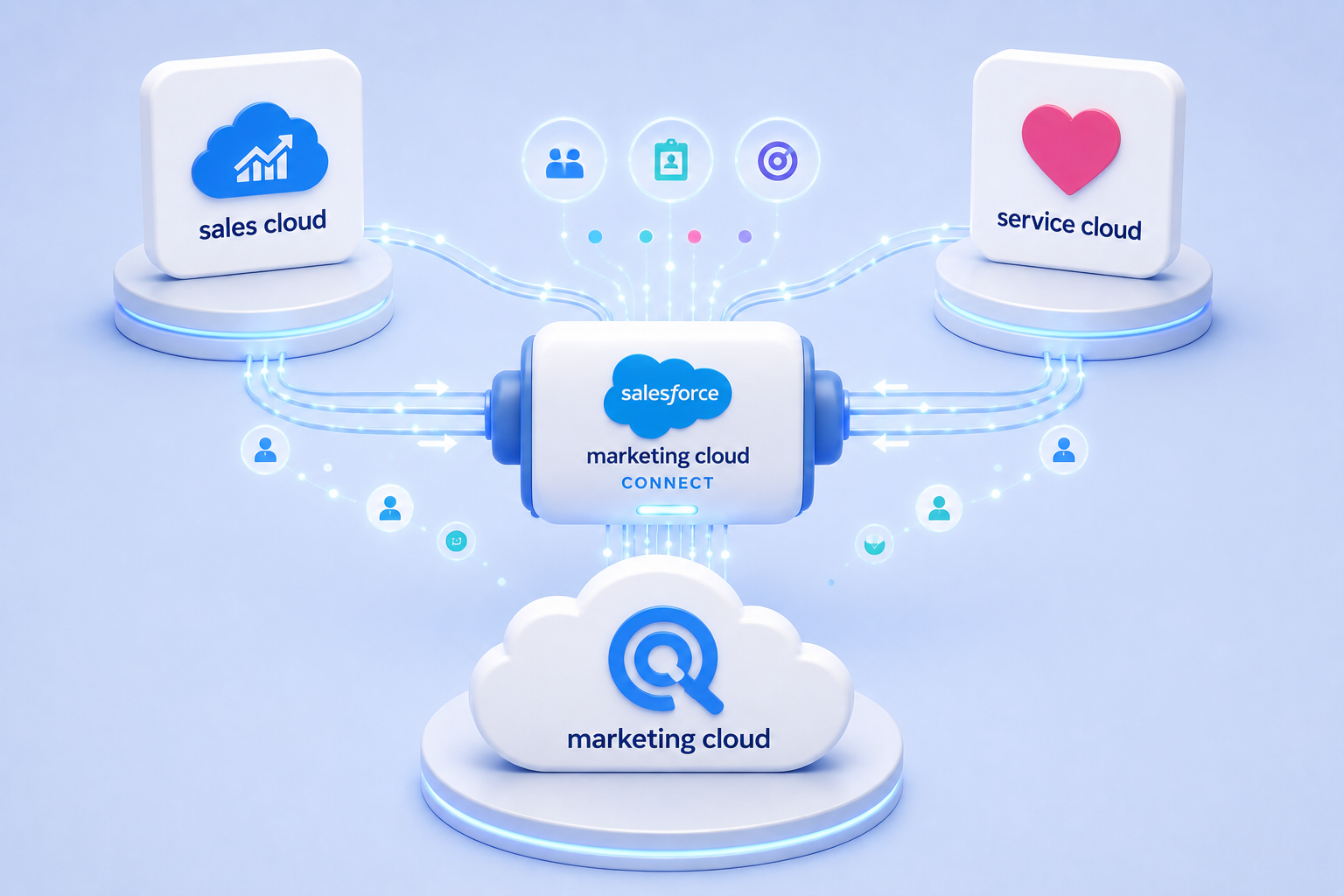
Native connectors are pre-built integrations maintained by Salesforce (or verified partners). The most common example is Marketing Cloud Connect (MCC) – the official bridge between SFMC and Sales Cloud or Service Cloud.
Where native connectors shine:
- Faster to set up – no custom development required
- Maintained by Salesforce – updates come with platform releases
- No API call consumption for synced data
- Enables native Journey Builder activities and AMPscript functions tied to CRM data
- Lower ongoing maintenance burden for teams without dedicated developers
The tradeoff: Native connectors work within defined parameters. Data extensions synced via MCC are read-only in Marketing Cloud – meaning you can’t push data back to Salesforce through the connector alone. Complex, bidirectional data flows often require API work anyway.
Good fit for: Organisations already on Salesforce CRM, with straightforward data sync needs and limited developer resources.
What API Integration Enables
SFMC offers both REST and SOAP APIs, giving developers direct access to nearly every platform function – subscriber management, data extensions, journey triggering, send logging, and more.
Where API integration is the right call:
- Connecting non-Salesforce systems (eCommerce platforms, custom CRMs, ERPs, data warehouses)
- Real-time event-triggered sends based on external system activity
- Custom data models that don’t fit the standard MCC sync structure
- Bidirectional data flows (pulling engagement data back into your source system)
- Multi-org or multi-BU architectures that exceed native connector limits
The tradeoff: API integrations require developer time to build and maintain. They also consume API call limits, which matters at scale. And unlike native connectors, they won’t self-update when SFMC releases platform changes.
Good fit for: Organizations with non-Salesforce tech stacks, real-time requirements, or complex data architecture needs.
A Simple Decision Framework
Before deciding, work through these five questions:
| Question | Points to native | Points to API |
|---|---|---|
| Is your CRM Salesforce Sales or Service Cloud? | Yes | No |
| Do you need real-time event triggering? | No | Yes |
| Is the integration bidirectional? | No | Yes |
| Do you have developer resources? | No | Yes |
| Are you connecting a non-Salesforce system? | No | Yes |
If you’re answering mostly left: a native connector is likely the right starting point. Mostly right: you’ll need API work.
Three Common Scenarios
Scenario 1: Salesforce CRM + SFMC, standard journeys Use Marketing Cloud Connect. It handles contact sync, send logging, and Journey Builder integration without custom development. Keep the architecture simple.
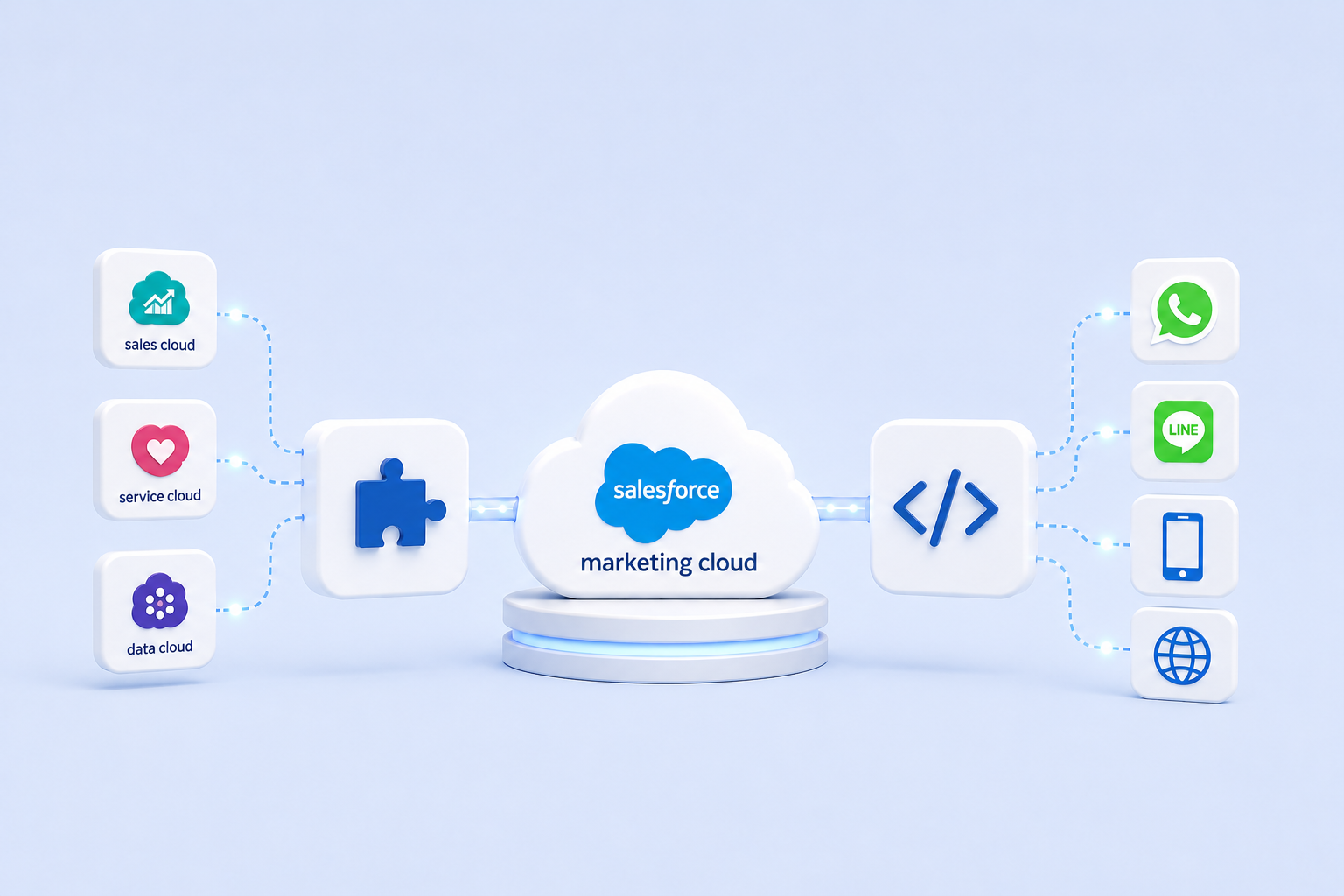
Scenario 2: Extending SFMC to non-email channels (SMS, WhatsApp, mobile push, in-app messaging) Use the API. Native connectors handle CRM data sync, but channel extensions require API integration – whether that’s connecting an SMS gateway, WhatsApp Business API, Line, or a mobile push provider. SFMC’s REST API supports journey-triggered sends across these channels, but each connection needs to be built and maintained. This is one of the most common areas where teams underestimate the integration scope.
Scenario 3: Internal CRM or data warehouse feeding into SFMC, batch nightly loads Use API with Automation Studio to import structured files, or build a direct REST API integration to push data into Data Extensions on a schedule. Native connectors won’t reach these systems.
One Thing Worth Getting Right Early
In practice, most mature SFMC implementations use both. Marketing Cloud Connect handles CRM data sync, while API integrations manage channel extensions, custom data models, or non-Salesforce systems running alongside it. The decision isn’t always either/or – it’s about knowing which tool to reach for in each part of your architecture.
That said, if you’re planning to use Marketing Cloud Connect, the configuration decisions you make upfront – including whether to enable Multi-Org support – have long-term consequences. Some choices can’t be undone without provisioning a new SFMC account.
API integrations are more reversible by nature, but they introduce architectural complexity that needs to be scoped properly before build begins.
Either way, the decision deserves more than a quick setup. Getting the integration architecture right the first time saves significantly more time than fixing it later.
Not sure which approach fits your setup? Get in touch – we help SFMC teams make this call before it becomes a problem.
Related reading: