
One of the most important factors in successful email marketing is deliverability — making sure your emails actually land in the inbox. In Salesforce Marketing Cloud, deliverability is not just about sending. It is about sending the right content to the right people in the right way, with the right technical foundation underneath.
This guide covers 10 actionable best practices to boost your sender reputation, increase inbox placement, and reduce bounce rates in SFMC.
10 SFMC Email Deliverability Best Practices to Reach the Inbox
1. Authenticate Your Emails with SAP
Sender authentication is the foundation of deliverability. Set up the Sender Authentication Package (SAP) in SFMC to verify your sending domain with SPF, DKIM, and DMARC records. Without authentication, inbox providers have no way to confirm your emails are legitimate — and will treat them accordingly.
- SAP configured in SFMC
- DKIM enabled on sending domain
- DMARC policy set to at least
p=nonewith monitoring active
2. Use Confirmed Opt-In for List Capture
Always use confirmed opt-in (double opt-in) to build your subscriber list. A confirmed opt-in process requires new subscribers to verify their email address before being added to your active list — filtering out typos, bots, and low-quality addresses before they damage your sender reputation.
- Double opt-in enabled on all sign-up forms
- Opt-in timestamp and source stored in data extension
- Confirmation email sends within 60 seconds of sign-up
3. Follow CAN-SPAM and GDPR Compliance Requirements
Every commercial email must include a clear unsubscribe link, your company’s physical mailing address, and an honest subject line. For contacts in GDPR-applicable regions, explicit consent is a legal requirement — not just a best practice. SFMC’s preference centre tools can manage consent records at scale.
- Unsubscribe link present in every commercial email
- Physical mailing address in email footer
- Consent records stored and auditable
- Preference centre configured for GDPR regions
4. Avoid Spam Filter Triggers
Spam filters evaluate both content and sender behaviour. Avoid excessive image-to-text imbalance, all-caps subject lines, and high-risk trigger words. On the sender side, your complaint rate, bounce rate, and engagement history all feed into inbox provider scoring.
- Text-to-image ratio balanced (minimum 60% text)
- No spam trigger words in subject lines or body
- Complaint rate below 0.1%
- All links use verified, branded domains
5. Manage Your Bounce Rate
Keep your hard bounce rate below 2% and overall bounce rate below 10%. SFMC automatically suppresses hard-bounced addresses, but you should audit bounce data regularly — by ISP, by send, and by list segment — to identify patterns before they become reputation problems.
- Hard bounce suppression automation active
- Bounce rate monitored after every major send
- Bounce data reviewed by ISP monthly
- Soft bounce threshold set and actioned
6. Clean Up Inactive Subscribers
Use the Unengaged Subscribers Report in SFMC to identify contacts who have not opened or clicked in the past six months. Route them to a re-engagement journey before suppressing — but if they do not re-engage, suppress them. Continuing to mail disengaged contacts depresses engagement rates and signals to inbox providers that your mail is unwanted.
- Unengaged Subscribers Report reviewed monthly
- Re-engagement journey built and active
- Contacts suppressed after failed re-engagement
- Suppression list reconciled across all active journeys
7. Optimise Subject Lines and Sender Identity
Use a consistent, recognisable From name and email address across all sends. Avoid rotating From addresses or using generic addresses like noreply@. Keep subject lines clear and relevant — avoid tricks that drive opens but damage trust.
- Consistent From name used across all sends
- No
noreply@addresses in use - Subject lines reviewed against spam filter before send
- From email address matches authenticated domain
8. Add Opt-In Reminders to Your Emails
Include a short permission reminder near the top of your emails — for example: “You’re receiving this email because you subscribed at [website].” This reduces complaint rates and builds transparent sender-subscriber relationships that sustain long-term deliverability.
- Permission reminder included in email header area
- Unsubscribe link visible at top for high-frequency sends
- Reminder copy updated to match current list source
9. Use an Address Book Strategy
Encourage subscribers to add your sending address to their address book or safe sender list — particularly in welcome emails and post-purchase flows where engagement intent is highest. Address book inclusion is a strong positive signal to inbox providers.
- Address book request in welcome email
- Request included in post-purchase transactional flow
- Safe sender instructions provided for major email clients
10. Control Send Frequency Against Subscriber Expectations
Send at the cadence you promised at sign-up. Frequency spikes are one of the most common causes of complaint surges. Use SFMC’s Frequency Management settings and Contact Builder to enforce frequency caps across journeys and prevent over-contacting across multiple automated flows.
- Frequency caps set in Contact Builder
- Send cadence matches sign-up promise
- Journey frequency reviewed across all active flows
- Suppression applied during high-frequency campaign periods
One More Factor: Email Accessibility
Accessible emails consistently see higher engagement rates — and engagement is a direct deliverability signal. Emails that work correctly for screen readers, have sufficient colour contrast, and include proper alt text are more likely to be read and clicked. See our email accessibility services →
- Alt text added to all images
- Colour contrast meets WCAG AA standard
- Email tested with screen reader before send
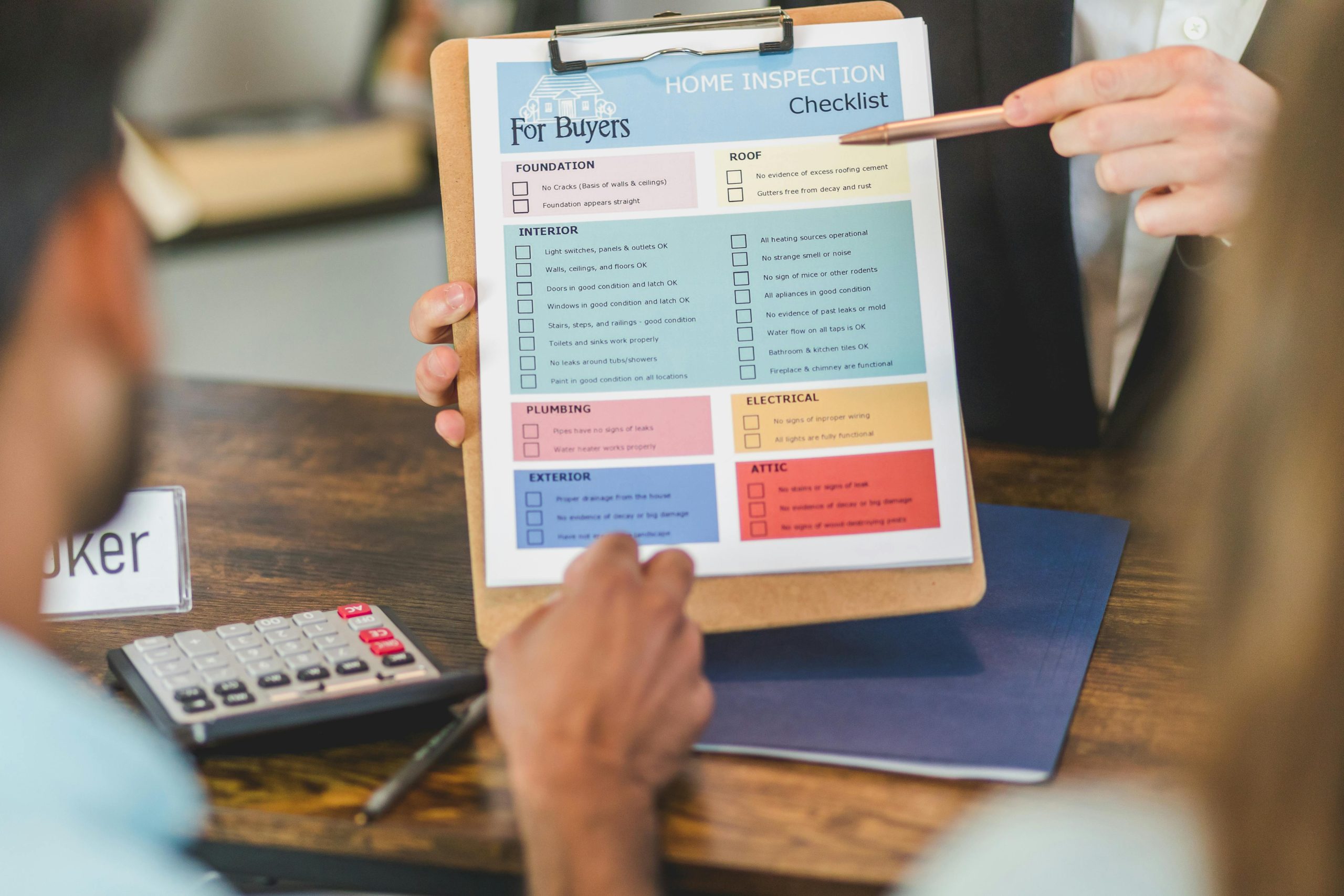
Quick Reference: Full Deliverability Checklist
Authentication & Setup — SAP configured with SPF, DKIM, DMARC — Sending domain verified and branded
List Quality — Double opt-in enabled — Opt-in source and timestamp stored — Inactive subscribers suppressed or re-engaged — Hard bounce automation active
Content & Compliance — Unsubscribe link in every email — Physical address in footer — No spam trigger words — Text-to-image ratio balanced — Permission reminder included
Sending Behaviour — Consistent From name and address — Frequency caps enforced in Contact Builder — Bounce and complaint rates monitored monthly
Accessibility — Alt text on all images — WCAG AA colour contrast — Screen reader tested
Conclusion
Improving email deliverability in SFMC is not a one-time project — it is an ongoing operational discipline. Sender authentication, list hygiene, bounce management, frequency control, and engagement monitoring all need to run in parallel, consistently, for deliverability to compound positively over time.
The teams with the best inbox placement are not doing anything exotic. They are doing the fundamentals well, every send. Start there, measure against the benchmarks in this guide, and build from a stable foundation.
For a broader look at operational practices that drive SFMC performance, the SFMC best practices guide covers the full picture. If you want help auditing your current deliverability setup, get in touch →
References: Email Deliverability Best Practices for Email Studio — Salesforce Help