
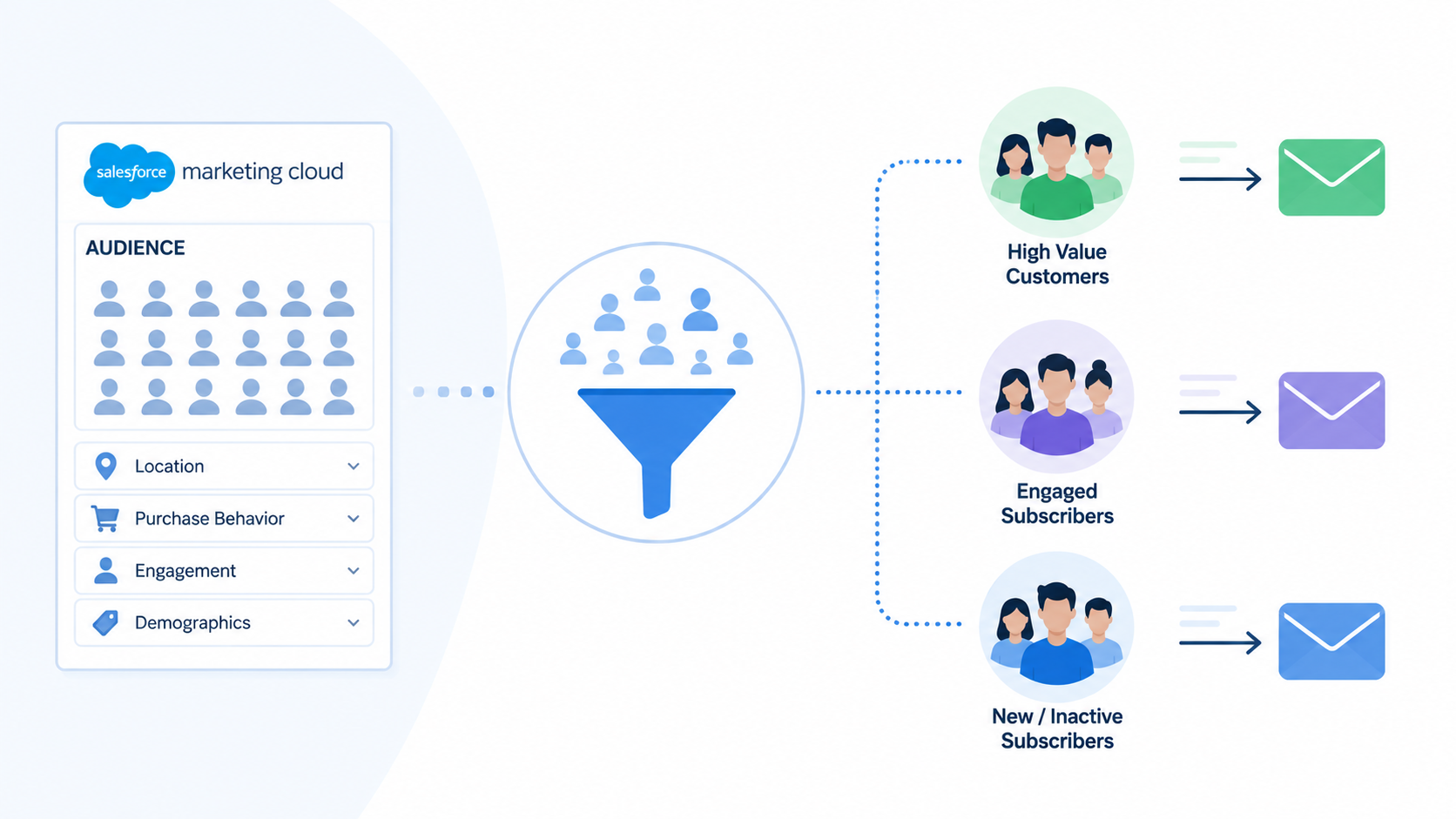
Segmentation is what separates an email campaign that performs from one that generates noise. Sending the right message to the right person at the right time is not a content problem. It is a data and segmentation problem.
In Salesforce Marketing Cloud (SFMC), segmentation means identifying the right audience for each send using the data available in your platform: subscriber attributes, engagement history, CRM records, transactional data, or behavioural signals. This guide covers the four main methods, when to use each, and what you need in place before you start.
What You Need Before You Can Segment
Segmentation quality is limited by data quality. Before building any segment, confirm the following:
- Structured data in data extensions:* subscriber attributes, transactional records, and behavioural data need to be in SFMC in a queryable format before they can drive segmentation
- Consistent subscriber key:* every record across every data source must use the same subscriber key; inconsistent keys create fragmented profiles and unreliable segment logic
- Data flowing correctly: imports, API feeds, and CRM syncs need to be running reliably before segment logic can depend on them
- A defined use case: know what you are segmenting for (a re-engagement campaign, a product launch to a specific tier, a suppression list) before choosing a method
Building segment logic on top of poor data produces confident-looking audiences that are actually wrong. Fix data quality first.
Four Main Segmentation Methods in SFMC
1. SQL Query Activity in Automation Studio
SQL Query Activity* is the most powerful and flexible segmentation method in SFMC. It lets you query directly across data extensions and Data Views*, apply complex multi-condition logic, join multiple tables, and write the output to a sendable data extension for use in a send or journey.
Use when:
- Segmentation logic requires multiple conditions across more than one data source
- You need to join engagement data (opens, clicks) with subscriber attributes or transactional data
- The segment needs to refresh on a schedule: daily, weekly, or before each send
- Filtered data extensions cannot handle the required logic
Output: a data extension containing the qualifying records, refreshed each time the query runs.
SQL Query Activity runs in Automation Studio and is subject to a 30-minute execution timeout. For large datasets, filter by date range and avoid SELECT * to keep queries within the limit. (Salesforce Help)
2. Filtered Data Extensions
A filtered data extension is a subset of an existing data extension created using a point-and-click filter interface, without SQL. You define one or more filter conditions and SFMC generates a filtered view of the source data extension.
Use when:
- The segmentation logic is simple: one or two conditions on a single data extension
- The team does not have SQL capability
- The segment is a one-off or low-frequency use case
Limitations:
- Cannot reliably join data across more than two data extensions. Salesforce Support has confirmed that applying cross filters involving data relationships between more than two data extensions can produce unreliable results; record counts may not match other segmentation methods
- Limited condition logic compared to SQL
- For complex or recurring production segments, SQL Query Activity is more reliable and maintainable
3. Journey Builder Entry Sources
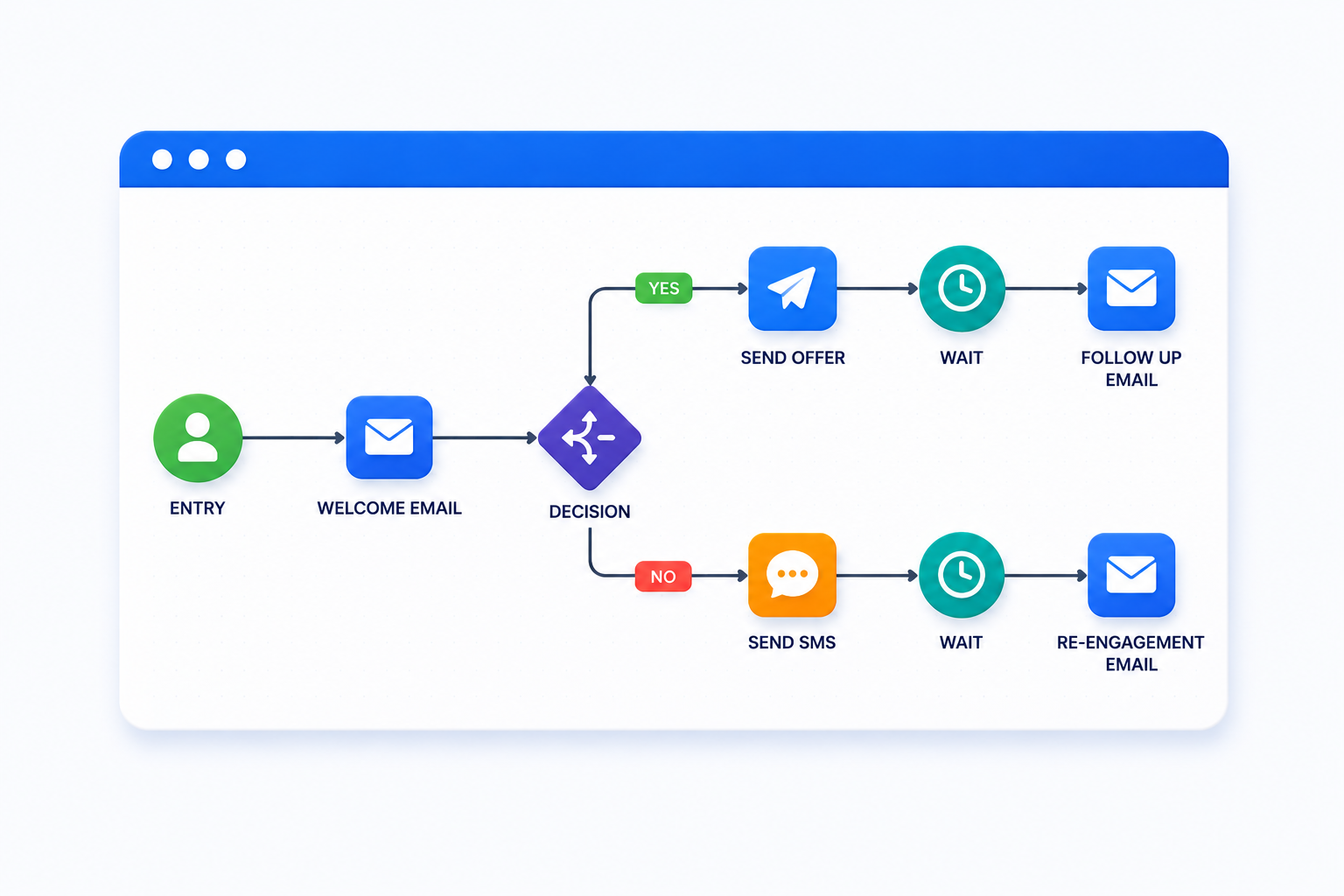
In Journey Builder*, you define the audience at the entry source level. A data extension is used as the entry source, and contacts enter the journey when they appear in that data extension, either on a schedule or in real time via API event.
This is not a segmentation method in isolation. The data extension feeding the journey entry source is typically built using SQL Query Activity or an Import File Activity. Journey Builder then acts on the segment that has been prepared upstream.
Use when:
- The segment feeds an ongoing automated journey rather than a one-off send
- Entry is event-driven: a customer action or data change triggers journey entry in real time
- Different segments need to enter different journey paths based on attributes or behaviour
4. Einstein Engagement Scoring
Einstein Engagement Scoring* is an AI-powered segmentation layer that assigns each contact a score predicting their likelihood to open, click, stay subscribed, or convert. Contacts are classified into four groups: Loyalists, Window Shoppers, Selective Subscribers, and Dormant.
These scores are written to a system data extension named Einstein_MC_Predictive_Scores and can be used in Journey Builder decision splits, suppression logic, and re-engagement campaigns.
Use when:
- You want to prioritise your most engaged contacts and suppress your least engaged
- You are building a re-engagement or sunset workflow and need an engagement-based signal to trigger it
- You have sufficient send history for Einstein to generate reliable predictions (minimum 1,000 engagement events in the past 90 days)
Limitation: Einstein Engagement Scoring must be enabled in Setup and is not active by default. It requires sufficient send volume and history before predictions are reliable. (Salesforce Help)
Common Segmentation Use Cases
- Engagement-based segmentation: separate active subscribers (opened or clicked in the last 90 days) from inactive ones using Data Views* and SQL Query Activity; use different send strategies for each group
- Lifecycle segmentation: new subscribers, active customers, lapsed purchasers, and churned contacts each warrant different messaging cadence and content
- Behavioural segmentation: contacts who opened but did not click, clicked a specific link, or visited a specific product category signal different intent and can be routed into different journeys
- Preference-based segmentation: contacts who have indicated a channel, frequency, or content preference via a preference centre should be segmented accordingly to reduce unsubscribe risk
- CRM-based segmentation: if SFMC is connected to Salesforce CRM via Marketing Cloud Connect*, CRM attributes such as opportunity stage, account tier, or product ownership can drive segmentation directly
Suppression as Part of Segmentation Strategy
Segmentation is not only about who receives a send. Defining who does not receive it is equally important and is often where deliverability problems originate.
Include suppression logic in every segment:
- Hard bounces: contacts whose email addresses have returned a permanent delivery failure should be excluded from all future sends
- Global unsubscribes: SFMC handles these automatically via the All Subscribers list, but verify your suppression logic is not overriding this
- Spam complaints: contacts who have marked emails as spam should be suppressed immediately to protect sender reputation
- Sunset policy contacts: contacts who have not engaged within a defined window (typically 90 to 180 days) should be excluded from standard campaign sends before a re-engagement attempt
A segment that does not account for suppression will eventually damage deliverability. Build suppression logic into the query or data extension that feeds every send.
Common Segmentation Mistakes
- Stale segments: a segment built on Monday and used on Friday may no longer reflect current data if contact attributes or engagement data have changed; schedule segment refreshes to run close to send time
- Over-segmentation: creating too many micro-segments produces audiences too small to be statistically meaningful and creates a maintenance burden that grows with every campaign
- No suppression logic: sending to contacts who should be excluded is the most common source of deliverability and compliance issues
- Segmenting on email address instead of subscriber key: email addresses change; subscriber key is the reliable identifier across channels and systems
- Not testing segment logic before use in a live send: always verify the output of a new segment against expected record counts and a sample of records before using it in a production send
Going Deeper
- What Is a Data Extension in Salesforce Marketing Cloud?
- Salesforce Marketing Cloud Data Views: What They Are and How to Use Them
- What Is Salesforce Marketing Cloud Automation Studio?
- What Is Salesforce Journey Builder?
- 10 Signs Your Marketing Automation Needs an Audit
Need help designing a segmentation strategy for your SFMC environment? Talk to our team.
Glossary
Data extension: a table in SFMC used to store subscriber data or campaign-related information. Segmentation logic in SFMC reads from and writes to data extensions.
Data Views: system-generated, read-only tables in SFMC that store subscriber engagement and send event data, including opens, clicks, bounces, and unsubscribes. Accessible via SQL Query Activity in Automation Studio. Most engagement Data Views retain data for 6 months.
Einstein Engagement Scoring: an Einstein AI feature that assigns each contact a predicted engagement likelihood score and classifies contacts into four personas: Loyalists, Window Shoppers, Selective Subscribers, and Dormant. Requires separate enablement and minimum send history.
Filtered data extension: a data extension created by applying filter criteria to an existing data extension using a point-and-click interface. Suitable for simple segmentation; not recommended for complex or multi-table logic.
Journey Builder: the customer journey orchestration tool in SFMC. Accepts a data extension as an entry source to define which contacts enter an automated journey.
Marketing Cloud Connect: the native Salesforce integration that syncs contacts, leads, and campaign data between SFMC and Sales Cloud or Service Cloud. Enables CRM-based segmentation within SFMC.
SQL Query Activity: an Automation Studio activity that queries one or more data extensions or Data Views using SQL and writes output to a target data extension. The primary tool for complex, recurring segmentation workflows.
Subscriber key: a unique identifier used by SFMC to identify individual contacts across the platform and across channels. Segmentation logic should always reference subscriber key rather than email address.
Sunset policy: a defined process for suppressing or removing contacts who have not engaged with communications over a defined period, typically 90 to 180 days. Protects sender reputation by reducing sends to disengaged audiences.
Suppression list: a data extension containing contacts who should be excluded from sends, typically hard bounces, global unsubscribes, spam complainants, or business-defined exclusions.