
Email authentication in Salesforce Marketing Cloud is no longer optional housekeeping. Gmail, Yahoo and Outlook all publish authentication requirements for senders who send in volume. If your sending domain is not set up correctly, messages can land in spam or be rejected.
This guide explains what SPF*, DKIM* and DMARC* do, what the major inbox providers expect and how Salesforce Marketing Cloud handles authentication through the Sender Authentication Package*. It describes what to look at, not how to configure it. Last reviewed: October 2026.
What Is Email Authentication?
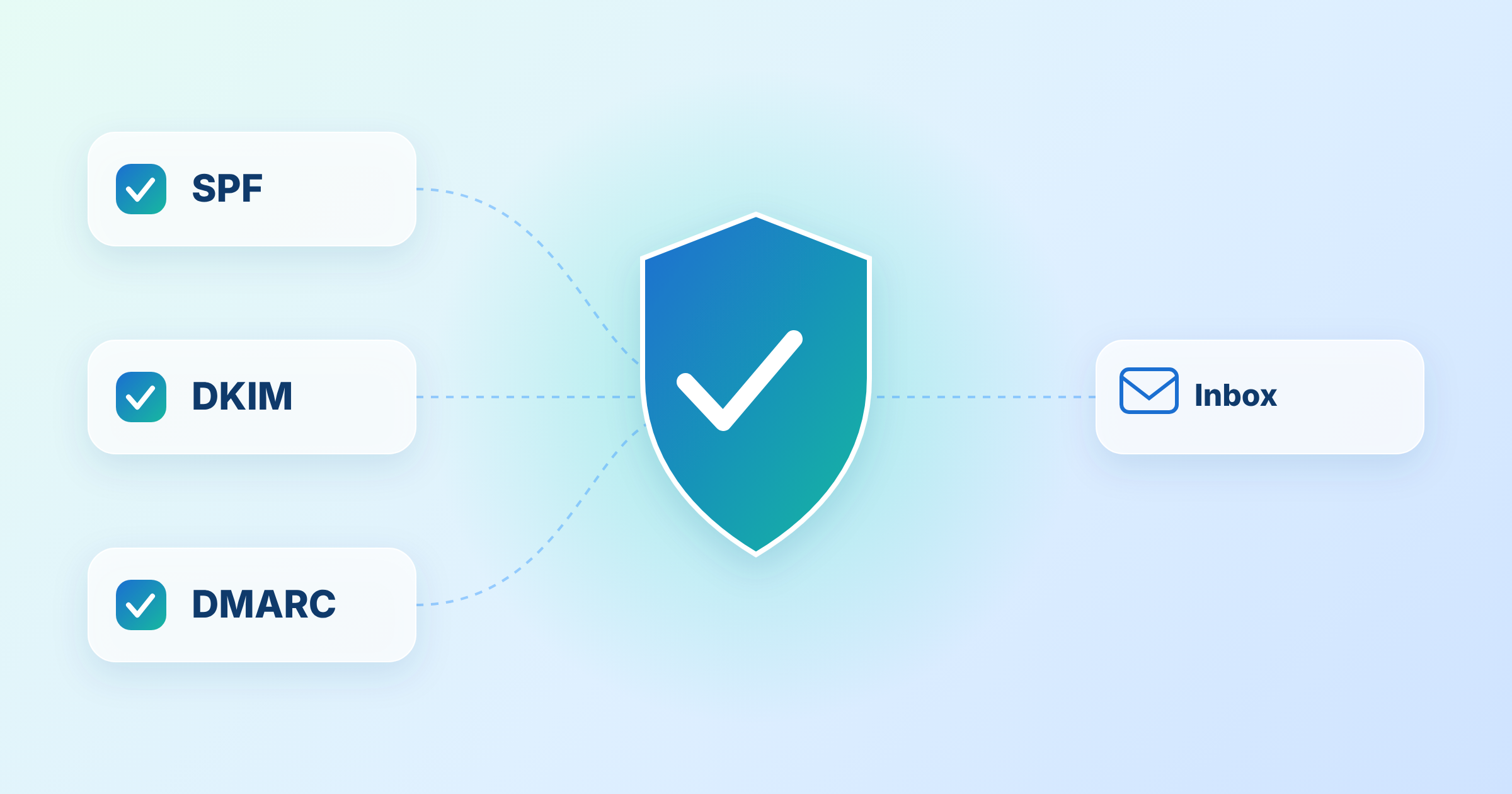
Email authentication lets a receiving mail server check that a message really comes from the domain it claims to come from. Three standards do most of the work:
- SPF: a DNS record that lists the servers allowed to send mail for your domain
- DKIM: a cryptographic signature added to each message so the receiver can verify the sending domain and detect tampering
- DMARC: a policy that tells receivers what to do when a message fails SPF and DKIM, and that requires the visible From domain to line up with the domain that passed
The three work together. SPF and DKIM check the sending infrastructure. DMARC checks that those results match the From address your subscribers see. That match is called alignment*.
What Gmail, Yahoo and Outlook Expect
Inbox providers define “bulk” or “high-volume” senders by daily volume. The details below come from each provider’s published requirements at the time of writing.
| Provider | Who it applies to | Authentication required |
|---|---|---|
| Gmail | Bulk senders, more than 5,000 messages a day to Gmail accounts | SPF and DKIM together, plus DMARC (policy can be none), with alignment |
| Yahoo | Bulk senders | SPF and DKIM, plus DMARC with at least p=none and alignment |
| Outlook | High-volume senders, over 5,000 emails a day | SPF, DKIM and DMARC with alignment, effective May 2025 |
(Google) (Yahoo) (EasyDMARC, citing Microsoft)
Authentication is only part of the picture. Gmail and Yahoo also ask senders to keep spam complaint rates below 0.3% and to offer easy unsubscribe for marketing mail. Yahoo asks senders to honour unsubscribe requests within two days. (Google) (Yahoo)
Requirements change, and enforcement is rolled out in stages. Check each provider’s current guidance before you make decisions. Microsoft updated its own announcement after publishing, so confirm the enforcement action with its documentation.
Email Authentication in Salesforce Marketing Cloud
Salesforce Marketing Cloud handles authentication mainly through the Sender Authentication Package. Salesforce describes it as a bundle of four things:
- An authenticated private domain*: a sending domain that you own, which adds SPF, DKIM and DMARC authentication to your sends
- Link and image wrapping: your own branded domain on tracking links and hosted images
- A dedicated IP address: an IP that only your account uses
- Reply mail management: handling of replies to your messages
Partners note that smaller senders may use the package on a shared IP pool, so confirm exactly what your contract includes. (Mavlers)
The package is a paid product, and the setup involves DNS changes on your side. This is an area where small mistakes cause large problems, so it benefits from an experienced reviewer.
For the wider deliverability picture, see our guides on how to improve email deliverability in SFMC and SFMC email best practices. Both mention the package briefly. Our email testing workflow also touches on authentication as one step in a periodic audit. This article goes deeper on authentication itself: the standards, alignment, provider requirements and DMARC policy.
Alignment: Where Teams Go Wrong
Passing SPF or DKIM is not enough for DMARC. The domain that passes must align with the visible From domain.
Mavlers notes two points that catch teams out:
- Alignment depends on the return path: DMARC needs the From domain and the bounce domain to align at the parent domain level. The package satisfies this for mail sent from its own subdomain
- Private domains are not DMARC compliant by default: a multi-bounce domain feature is needed so each one has an aligned bounce path
(Mavlers)
Confirm both points for your own account. Setups differ, and an authenticated domain that is not aligned will still fail DMARC.
Common Misunderstandings
- “We have SAP, so we are fully authenticated”: the package covers mail sent through Marketing Cloud on your branded domain. Other systems that send as your domain, such as a CRM or a support tool, need their own authentication
- “SPF alone is enough”: Gmail and Yahoo ask bulk senders for SPF and DKIM together, plus DMARC
- “A DMARC record means we are protected”: a policy of p=none only monitors. It does not block spoofed mail
- “Authentication fixes deliverability”: it earns trust but does not replace good lists, relevant content and sensible frequency
Another point on SPF: it has a limit of 10 DNS lookups. Teams that keep adding sending services to one record can exceed it and break authentication without noticing. (Mavlers)
Dedicated and Shared IPs
Authentication proves who you are. Your IP and domain history show how you behave.
Salesforce suggests a shared IP for low-volume or sporadic senders, and a dedicated IP for senders above 100,000 messages a month. It also says very high volume senders may need more than one IP. A new IP has no history, so it needs IP warming*: a gradual increase in volume, aiming for at least 30 days of good sending history. (Salesforce Trailhead)
Plan warming before go-live. Our guide to how long SFMC implementation takes covers where it fits in a project timeline.
DMARC Policies: A Staged Approach
DMARC has three policy levels:
- None: receivers monitor and report, and take no action
- Quarantine: receivers treat failing mail as suspicious, often by sending it to spam
- Reject: receivers refuse failing mail
Partners recommend starting with none, reviewing reports and moving up only after every legitimate mail stream is authenticated and aligned. Brand indicators such as BIMI generally need a policy of quarantine or reject. (Mavlers)
The risk of moving too fast is that legitimate mail from a forgotten system gets blocked. An inventory of every sender for your domain comes first.
What to Check Before You Change Anything
A short review shapes the whole plan. Look at these areas first:
- Every system that sends email as your domain
- Which domain Marketing Cloud sends from, and whether it is authenticated
- Whether SPF, DKIM and DMARC all pass and align on a real test message
- Your current DMARC policy and who reads the reports
- Your current spam complaint rate and unsubscribe handling
- Your IP setup, volume and warming plan
A structured review also surfaces technical debt before it affects inbox placement. See 10 Signs Your Marketing Automation Needs an Audit for the warning signs.
Going Deeper
- How to Improve Your Email Deliverability in SFMC
- SFMC Email Best Practices for Higher Engagement and Deliverability
- Email Testing Workflow in SFMC
- Email Frequency Strategy in Salesforce Marketing Cloud
- Consent Management in Salesforce Marketing Cloud
Unsure whether your sending domain is set up correctly? Talk to our team.
Glossary
Alignment: the match between the domain in the visible From address and the domain that passed SPF or DKIM. DMARC requires alignment to pass.
DKIM: DomainKeys Identified Mail. A cryptographic signature added to each message so receivers can verify the sending domain and detect tampering.
DMARC: Domain-based Message Authentication, Reporting and Conformance. A policy that uses SPF and DKIM results, plus alignment, to tell receivers how to treat failing mail.
IP warming: the gradual increase of sending volume on a new IP address to build sending history with inbox providers.
Private domain: a sending domain that you own and authenticate in Marketing Cloud, so that mail carries your own SPF, DKIM and DMARC alignment instead of a shared Salesforce domain.
Sender Authentication Package: a Salesforce Marketing Cloud bundle that includes an authenticated private domain, link and image wrapping, a dedicated IP and reply mail management. Also called SAP.
SPF: Sender Policy Framework. A DNS record that lists the IP addresses or services allowed to send mail for a domain.