

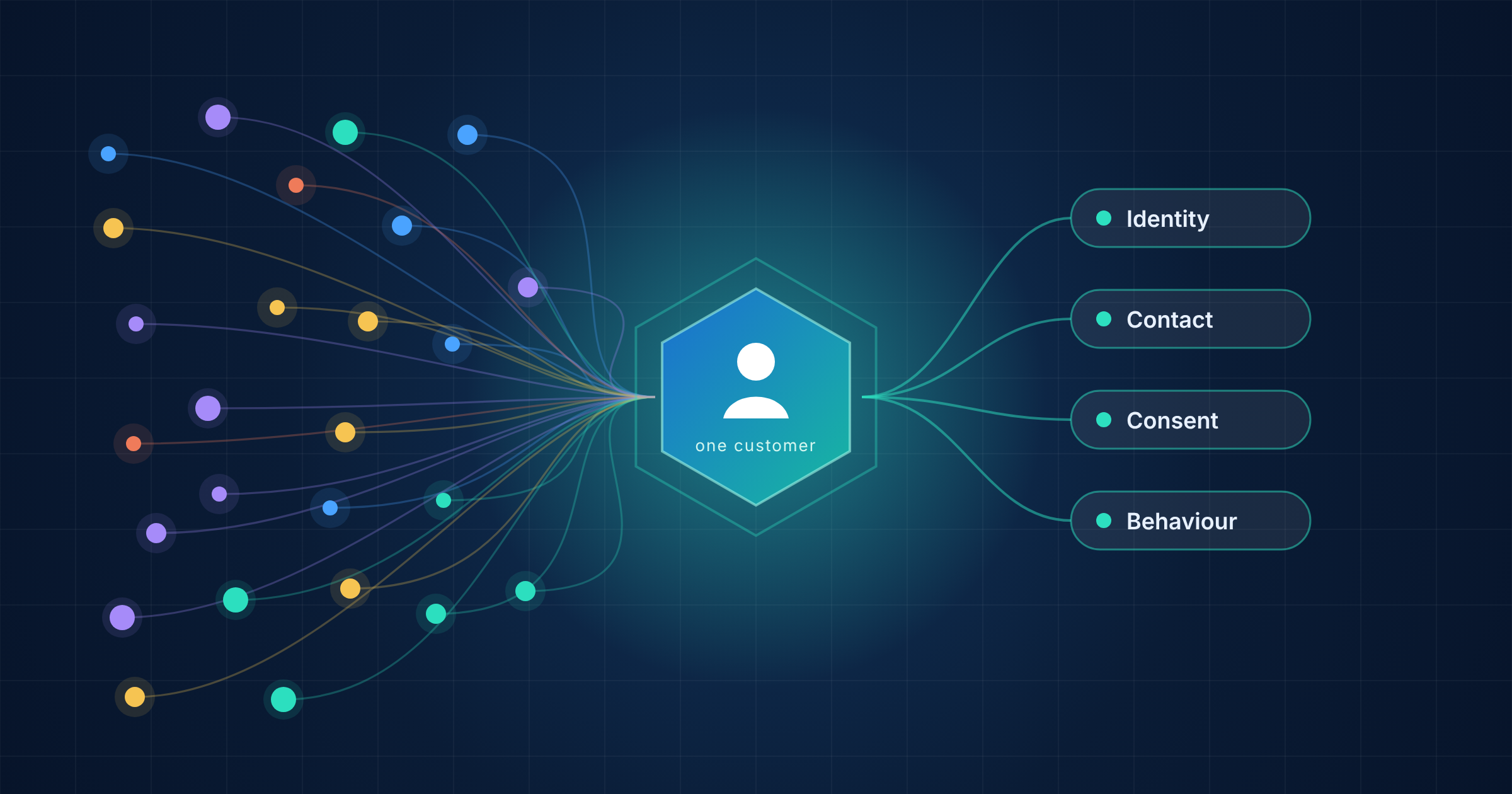
Fragmented customer data in Salesforce Marketing Cloud means the same person exists as several records that are not linked. One record sits in Email Studio, another in mobile, another in your CRM. Each looks complete on its own, so the problem stays hidden until a campaign goes wrong or a report does not add up.
This guide explains what causes fragmented profiles, what goes wrong when they exist and how Engagement and Marketing Cloud Next each deal with them. It describes what to look at, not how to fix it.
What Does Fragmented Customer Data Mean?
A customer profile is fragmented when information about one person is split across records, channels or systems with no reliable link between them. Common signs include:
- The same customer appears under different keys in different channels
- A CRM contact and a Marketing Cloud subscriber are not recognised as one person
- Reimported files create a second record for someone you already hold
- Reports count one customer more than once
The aim of fixing it is a single, reliable view of each person. That view is what segmentation, personalisation and consent all depend on.
What Causes Fragmented Customer Data in Salesforce Marketing Cloud
Salesforce’s own training material names several causes for duplicate contact records in Marketing Cloud Engagement*. (Salesforce Trailhead)
| Cause | What it looks like |
|---|---|
| Channel-specific IDs | One customer is keyed by email address in one channel and by mobile number in another |
| Contact details used as the key | Trailhead recommends a unique ID so a changed email or phone number does not split the contact |
| Data model design | Records for the same person are stored in different data extensions |
| Syncs from other clouds | Incorrect data causes records to sync from other Salesforce clouds |
| Reimported contacts | Processes import contacts again after they were imported once or deleted |
| Mismatched formats | The ID in Marketing Cloud does not share the format of the Sales Cloud records, which Trailhead advises against |
Trailhead advises using one identifier that is unrelated to a single channel and unlikely to change over time. (Salesforce Trailhead)
What Goes Wrong When Profiles Are Fragmented
Salesforce documents some effects directly:
- Inflated contact counts: each unique contact counts toward your contact utilization. Trailhead’s example shows one customer with different keys in three channels counted as three contacts
- An incomplete view: the same example notes that separate records make it hard to see the whole customer
- Outdated addresses: Trailhead describes a safeguard, an automation that runs before sends, so email goes only to the most recent address on a contact record
(Salesforce Trailhead) (Salesforce Trailhead)
Teams often report further effects. We list them as typical patterns, not Salesforce findings:
- The same person receives similar messages from different journeys
- Segments miss people because their data is split
- Personalisation uses outdated or partial information
- Opt-out status is recorded on one record but not on another
The last point matters most for compliance. See Consent Management in Salesforce Marketing Cloud.
How Engagement and Next Approach the Problem
In Marketing Cloud Engagement, the starting point is the contact key and subscriber key. Trailhead recommends the same value for both, so a contact matches consistently across channels. (Salesforce Trailhead) For the model behind them, read Contact Builder vs Data Extensions in SFMC.
In Data 360*, the tool for this problem is identity resolution*. Salesforce describes rulesets that contain match rules and reconciliation rules:
- Match rules: compare field values to identify records that belong together
- Reconciliation rules: choose which values appear in the unified profile when sources disagree
The result is a unified individual* profile that can be used for segmentation and activation. (Salesforce Help)
Identity resolution only works with the data and rules you give it. Match rules compare field values, so poor identifiers or inconsistent fields are likely to produce weak matches. Our guide to Data Cloud and Marketing Cloud integration explains how Engagement data reaches Data 360.
A Simple Example: From Three Records to One Profile
The example below is fictional and illustrative. It is not a Salesforce standard schema. It shows one customer held as three separate records.
| Source | Key | What it holds |
|---|---|---|
| Email Studio | An email address | Name, email, subscription status, last open |
| Mobile messaging | A mobile number | Phone number, SMS opt-in |
| CRM | A CRM record ID | Name, company, orders, account owner |
A unified profile brings these together under one shared customer ID:
| Group | What the profile holds |
|---|---|
| Identity | One customer ID, the name and the IDs used in each system |
| Contact | Primary email, phone number and the most recent email address |
| Consent | Status per channel, with the date and source of each consent |
| Behaviour | Latest sends, opens and clicks, plus orders and last purchase |
| Segments | Groups such as returning customer or product interest |
| Governance | Which source wins when two disagree, and when each group was last updated |
Three points make the difference:
- A shared key: if systems link only through an email address or phone number, the profile splits again when either one changes
- A rule for conflicts: in Data 360, reconciliation rules decide which value appears when sources disagree (Salesforce Help)
- Consent held with the profile: with the date and source recorded, one opt-out can apply across channels
Common Misunderstandings
- “We can just delete the duplicates”: Trailhead describes deleting duplicates on their own as only a temporary solution, because the cause remains (Salesforce Trailhead)
- “Email address is a fine key”: Trailhead recommends a unique ID, not an email address or mobile number (Salesforce Trailhead)
- “Unsubscribed records can be deleted”: Trailhead says you cannot simply delete unsubscribed contacts and recommends an auto-suppression list that holds the bare minimum of information (Salesforce Trailhead)
- “Data 360 will clean it up for us”: identity resolution follows the rules you define, so it needs good identifiers and a clear design
- “Our CRM and Marketing Cloud IDs match”: they only match if the format and data type are aligned on both sides
What to Check Before You Change Anything
A short review shapes the whole plan. Look at these areas first:
- Which identifier each channel and system uses for the same person
- Whether the contact key and subscriber key hold the same value
- Whether keys are based on email address or mobile number
- How CRM IDs reach Marketing Cloud, and whether the format matches
- How file imports decide whether a person already exists
- Where opt-out status lives and whether every record carries it
- How many contacts you are billed for compared with real customers
A structured review also surfaces data problems before they spread. See 10 Signs Your Marketing Automation Needs an Audit for the warning signs.
Going Deeper
- What Is a Data Extension in Salesforce Marketing Cloud?
- Contact Builder vs Data Extensions in SFMC
- How to Design a Data Model in Salesforce Marketing Cloud
- Data Cloud and Marketing Cloud Integration
- Marketing Cloud Next Readiness
Not sure whether your customer profiles are fragmented? Talk to our team.
Glossary
Contact key: the unique identifier of a contact in Marketing Cloud Engagement. Salesforce recommends the same value as the subscriber key.
Data 360: the current name for Salesforce Data Cloud. It unifies customer data from multiple sources into a single profile.
Identity resolution: the process of matching and merging records that belong to the same person into a unified profile, using match rules and reconciliation rules.
Marketing Cloud Engagement: the established Salesforce Marketing Cloud platform, formerly ExactTarget, built around Studios such as Email Studio and builders such as Journey Builder.
Subscriber key: the unique identifier of a subscriber in Marketing Cloud Engagement, used to tell one person from another across lists and sends.
Unified individual: the single profile in Data 360 that results when identity resolution merges records for one person.